


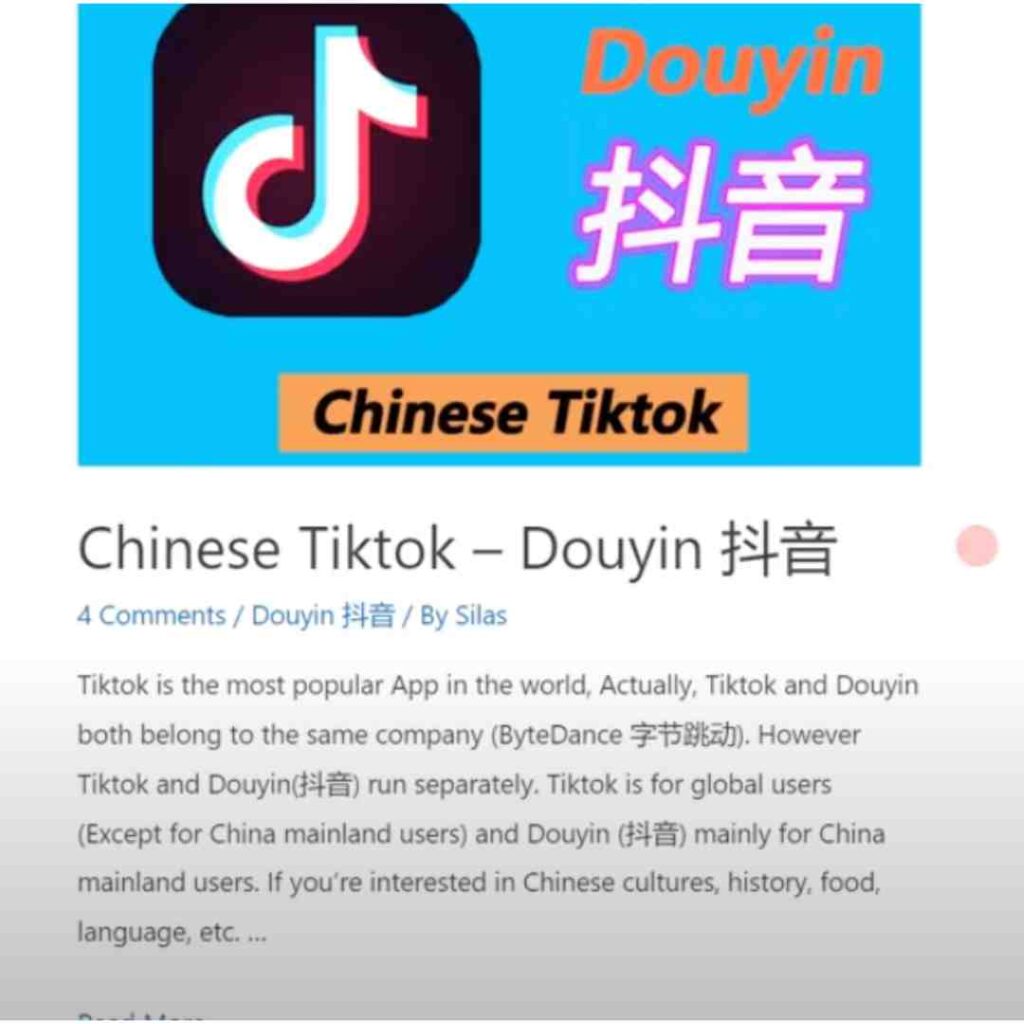
To create a Douyin account, install the official Chinese Douyin app and follow the phone-number registration flow it offers. Use your own number and complete the verification shown on screen. TikTok and Douyin are separate services; a TikTok login is not proof of a Douyin account.

Before you start
Begin at Douyin’s official website to identify its current download options. Store availability varies by region. Do not assume the Chinese Douyin app is available in every Google Play or Apple App Store region, or that an unofficial installer is equivalent.
Have access to the SIM that will receive your code. Check whether your country code is available in the current registration screen; this guide does not promise that every overseas number is accepted.
Register on your phone
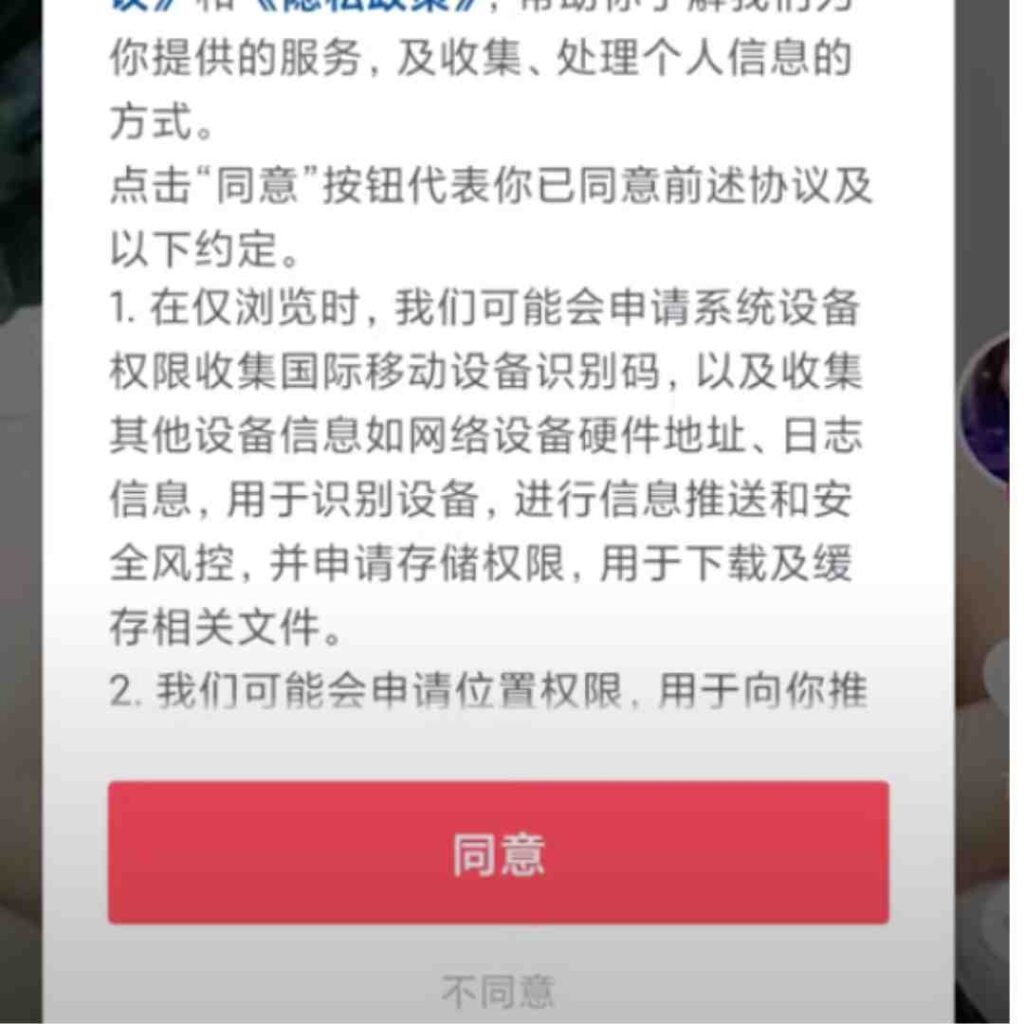
- Open the genuine app and read the current user agreement and privacy notice before agreeing.
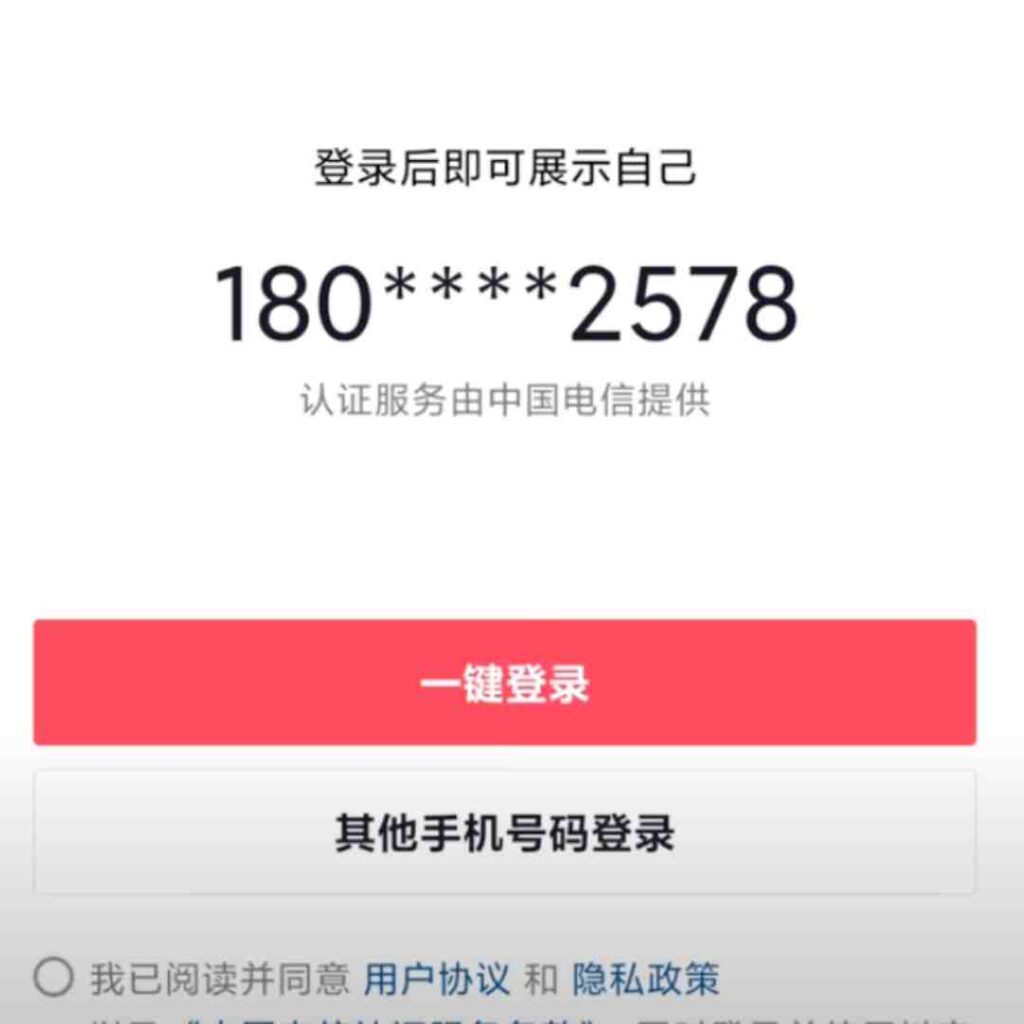
- Open the login or profile area, commonly labelled 我 (Me), and choose the phone-number option offered.
- Select the country code, enter your mobile number and request an SMS verification code. Enter it only in the official app.
- Complete any additional verification requested, then set the nickname and profile details you want to use.
- Check account-security settings and recovery options before relying on the account. Keep the linked phone number accessible.
Interface examples from the original guide are retained below. Menu names, layout and available features may differ in your current app.
Why does Douyin request a phone number?
Douyin’s privacy policy describes phone-number registration and explains that a number may be necessary for publishing features such as videos and comments. Its user agreement distinguishes basic use from functions that require login and identity verification. Successfully logging in does not automatically enable livestreaming, a shop or every creator feature.
If your phone number or verification code fails
| Issue | Next step |
|---|---|
| Country code not offered | Use the app’s support route; do not substitute someone else’s number. |
| No SMS received | Check the number, signal, carrier message filtering and any retry timer. |
| Too many attempts | Follow the waiting instruction instead of repeatedly requesting codes. |
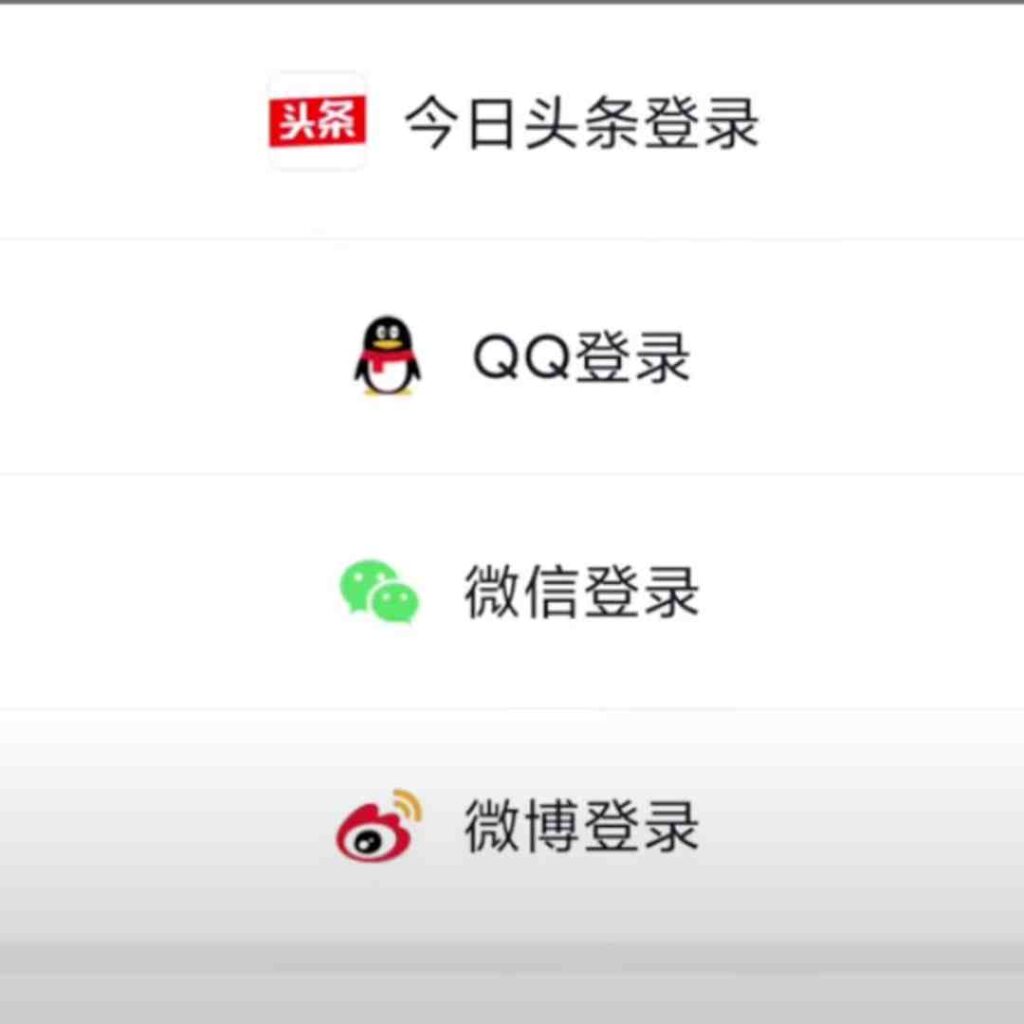
| Third-party login shown | Use it only if offered by your version; it may still ask you to link a phone number. |
Can you register in English or use Douyin abroad?
Do not assume a complete English interface or unrestricted access from every location. Use the labels in your installed version and seek help for terms you do not understand. Download access, account creation and feature availability are separate questions.
For browsing, desktop use and how Douyin differs from TikTok, see our Douyin overview. This page focuses on registration and troubleshooting.